Setup guide
Four steps to hands off
Add Alpha-5, point it at Foundry, create one user for it, and let your players join themselves. Nothing to install in Foundry.
About five minutes. You need to own the Discord server and know the address of your Foundry instance. Steps one and two can be done entirely in Discord.
Alpha-5 joins your server the same way any other bot does. You need administrator permission on the server to authorize it.
Permissions it asks for
- 1
Send Messages so it can answer commands and post world updates
- 2
Use Slash Commands so commands like
/setupand/helpregister - 3
Embed Links so status and world responses render as embeds
What to do
- 1
Click Add to Discord below
- 2
Pick your server from the dropdown
- 3
Review the three permissions and authorize
- 4
Confirm Alpha-5 appears in your member list
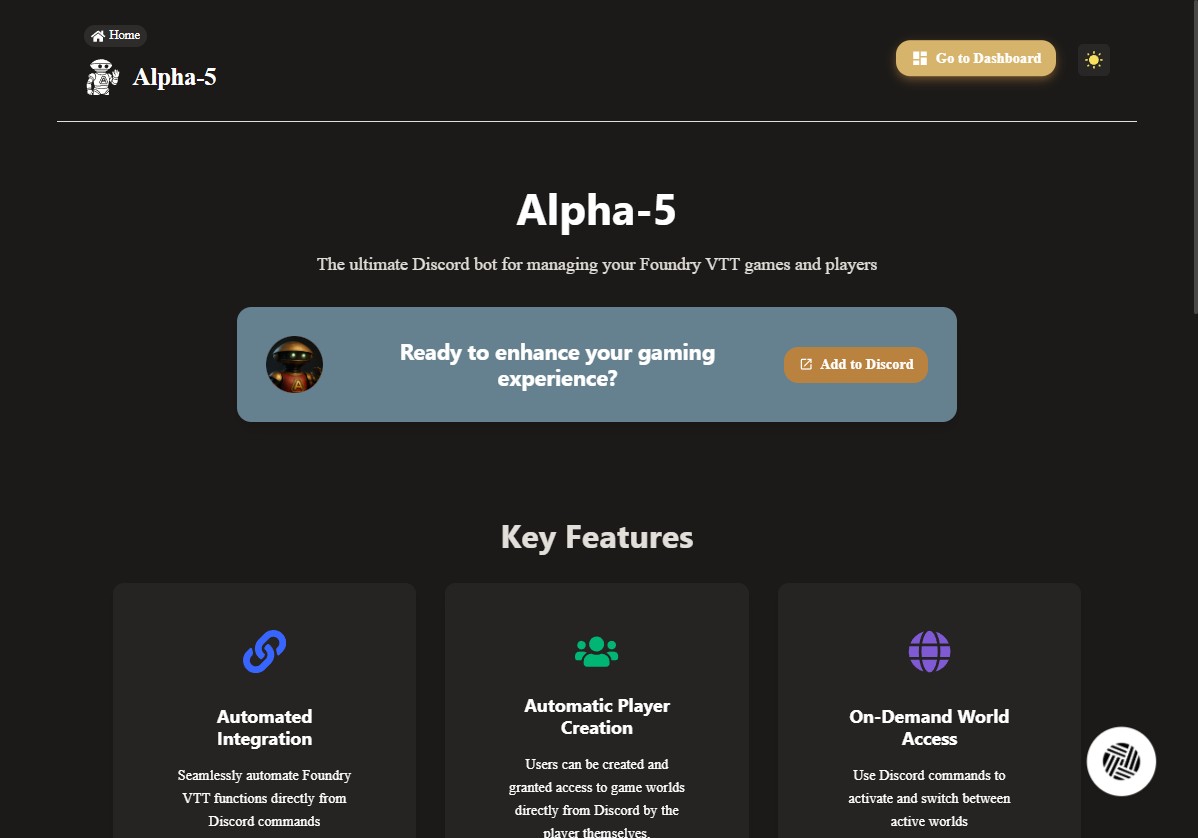
Open the Alpha-5 dashboard
1 / 4
Point Alpha-5 at your Foundry server
Give Alpha-5 your Foundry address, from Discord or the dashboard.
Run /setup in any channel Alpha-5 can read. It replies with a private checklist of what is configured so far, plus two buttons: Quick Setup opens a form inside Discord, and Configure Server opens the same settings in your web dashboard. Both save to the same place, so use whichever you prefer.
What to enter
- 1
Your Foundry server URL, for example
https://foundry.example.com, on every plan - 2
The GM password Alpha-5 signs in with to create players, on Professional and Premium
- 3
The Foundry admin password used for world switching, on Premium
From Discord
- 1
Run
/setupand press Quick Setup - 2
Fill in the form and submit it
- 3
Run
/setupagain to see the updated checklist
From the dashboard
- 1
Press Configure Server on the
/setupreply, or sign in and pick your server - 2
Open the Foundry configuration card
- 3
Edit any field on its own and save
What only the dashboard does
Both routes cover the connection settings. Plans, per-feature toggles, and Foundry status live in the dashboard only, so you will end up there eventually even if you set up from Discord.
Only the server owner can run /setup
Administrators can see the command, but Alpha-5 accepts it from the Discord server owner only. Passwords are encrypted at rest and used only to carry out commands you or your players run, so the URL on its own is enough if you just want status commands.
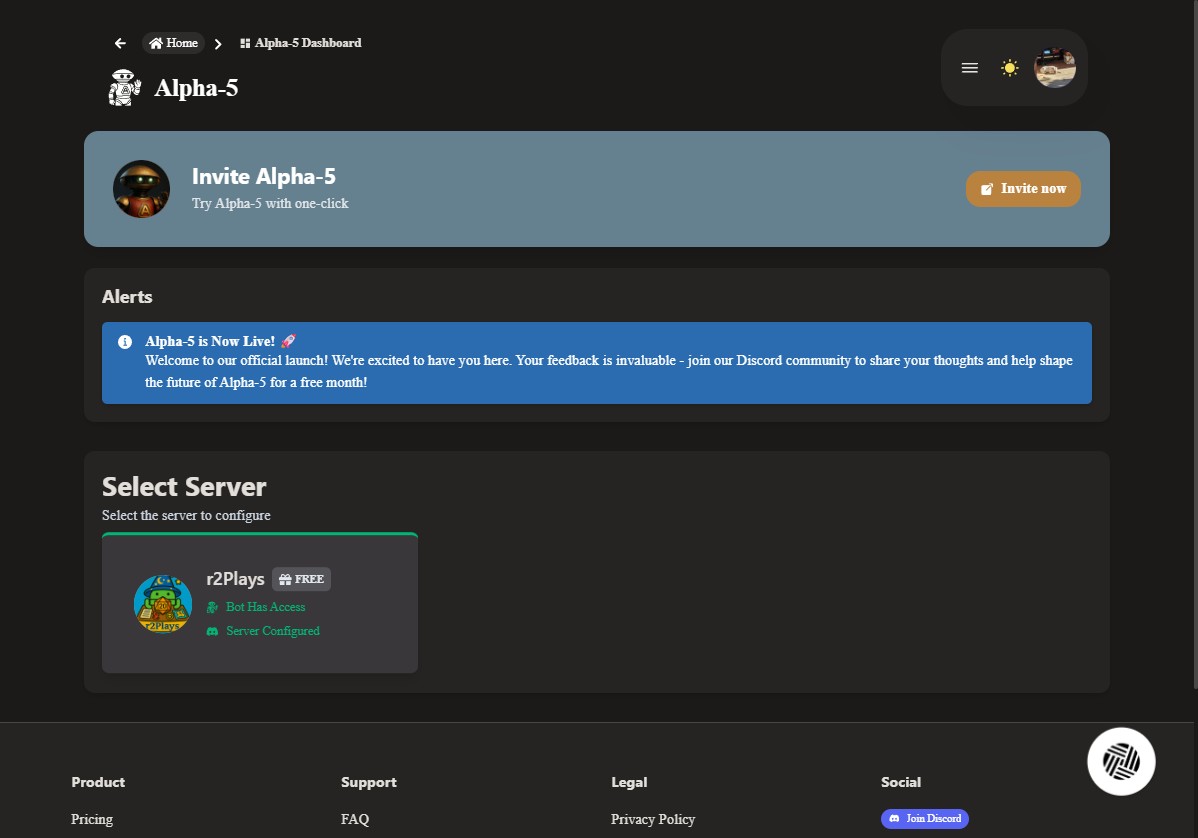
Confirm Alpha-5 has the permissions it needs
1 / 4
Automated player creation works by signing in to your world as a Game Master. Create one user named Alpha-5 in every world you want Alpha-5 to manage.
In each world
- 1
Log in to Foundry VTT as an administrator
- 2
Launch the world
- 3
Go to Settings, then User Management
- 4
Click Create Additional User
- 5
Name the user
Alpha-5, spelled exactly that way - 6
Set a password that matches the one in your server dashboard
- 7
Set the role to Game Master
- 8
Save the user
The name and password have to match
Alpha-5 looks for a Game Master named Alpha-5 and signs in with the GM password you saved in step 2. If either one differs, player creation fails with a login error.
Screenshots of the user creation flow are still being captured.
From here on, everything happens in Discord. Players join themselves, and you move between worlds without opening a browser tab.
Players joining
- 1
Share your Discord invite with the table
- 2
A player runs
/create-my-player, on Professional or Premium - 3
Alpha-5 creates their Foundry user and links an actor
- 4
Their credentials arrive as a Discord DM
- 5
Anyone can check what is running with
/get-active-world, on every plan
alpha-5 v5.7.1



r2plays
Text channels
table-talk
session-zero
bot-commands
foundry-help
bot-commands

Marvin
7:01 PM

Alpha-5
7:01 PM
Curse of Strahd is live
System
dnd5e
Players
3 of 6
Foundry
v13.351
Marvin
7:02 PM
Alpha-5
7:02 PM
Welcome to the table, Marvin
User
Created
Actor
Linked
Invite
Sent
Message #bot-commands
A player checks the world, then provisions themselves.
Switching worlds
- 1
Run
/switch-world, on Premium - 2
Pick the target world from the dropdown
- 3
Alpha-5 checks that the current world is empty first
- 4
If players are still connected, an admin can override the check
- 5
The channel gets a message when the new world is live
r2plays
Text channels
table-talk
session-zero
bot-commands
foundry-help
bot-commands
Marvin
6:58 PM
Alpha-5
6:58 PM
Wildemount is active
Status
Paused
Players
0 of 5
Foundry
v13.351
Marvin
6:59 PM
Alpha-5
6:59 PM
Curse of Strahd is now live
System
dnd5e
Players
0 of 6
Foundry
v13.351
Message #bot-commands
A paused world swapped for the one you are running tonight.
Starting the session
- 1
Run
/unpause-worldto load the Home scene and unpause, on Premium - 2
Your world needs a scene named exactly
Home - 3
Players can open their sheets as soon as the command finishes
r2plays
Text channels
table-talk
session-zero
bot-commands
foundry-help
bot-commands
Marvin
7:04 PM
Alpha-5
7:04 PM
Curse of Strahd is active
Status
Paused
Scene
Barovia
Players
4 of 6
Marvin
7:05 PM
Alpha-5
7:05 PM
Home - Game Unpaused
Scene
Home
Status
Live
Players
4 of 6
Message #bot-commands
The Home scene loads and the table is live.
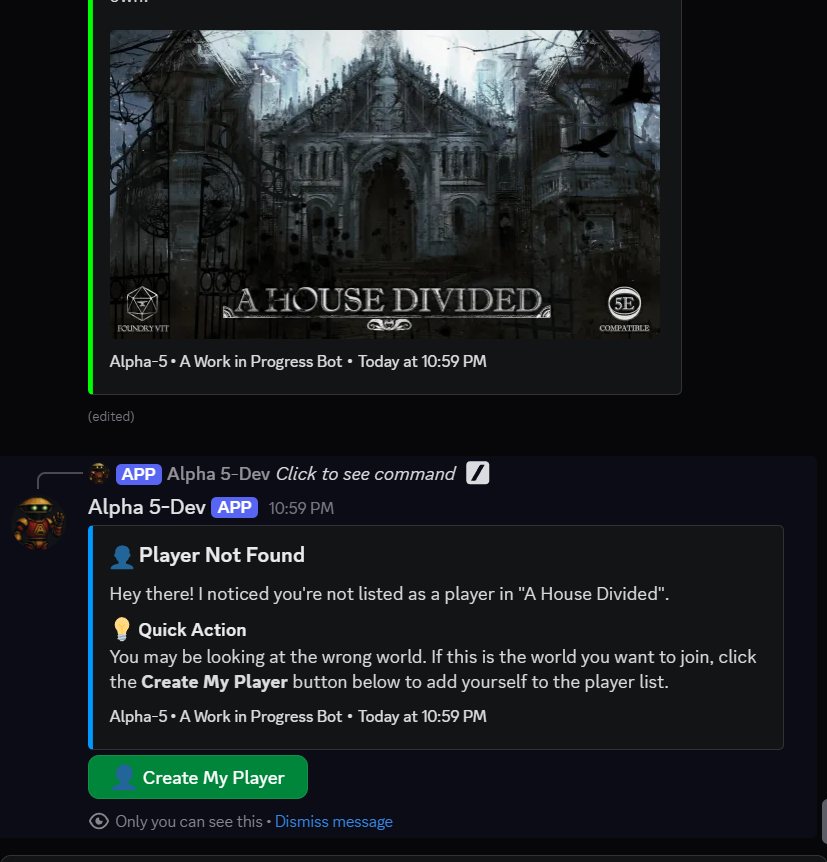
A player runs /create-my-player
1 / 4
Stuck on a step?
Read the FAQ, contact support, or ask in the support server.